Physical Address
304 North Cardinal St.
Dorchester Center, MA 02124
Physical Address
304 North Cardinal St.
Dorchester Center, MA 02124

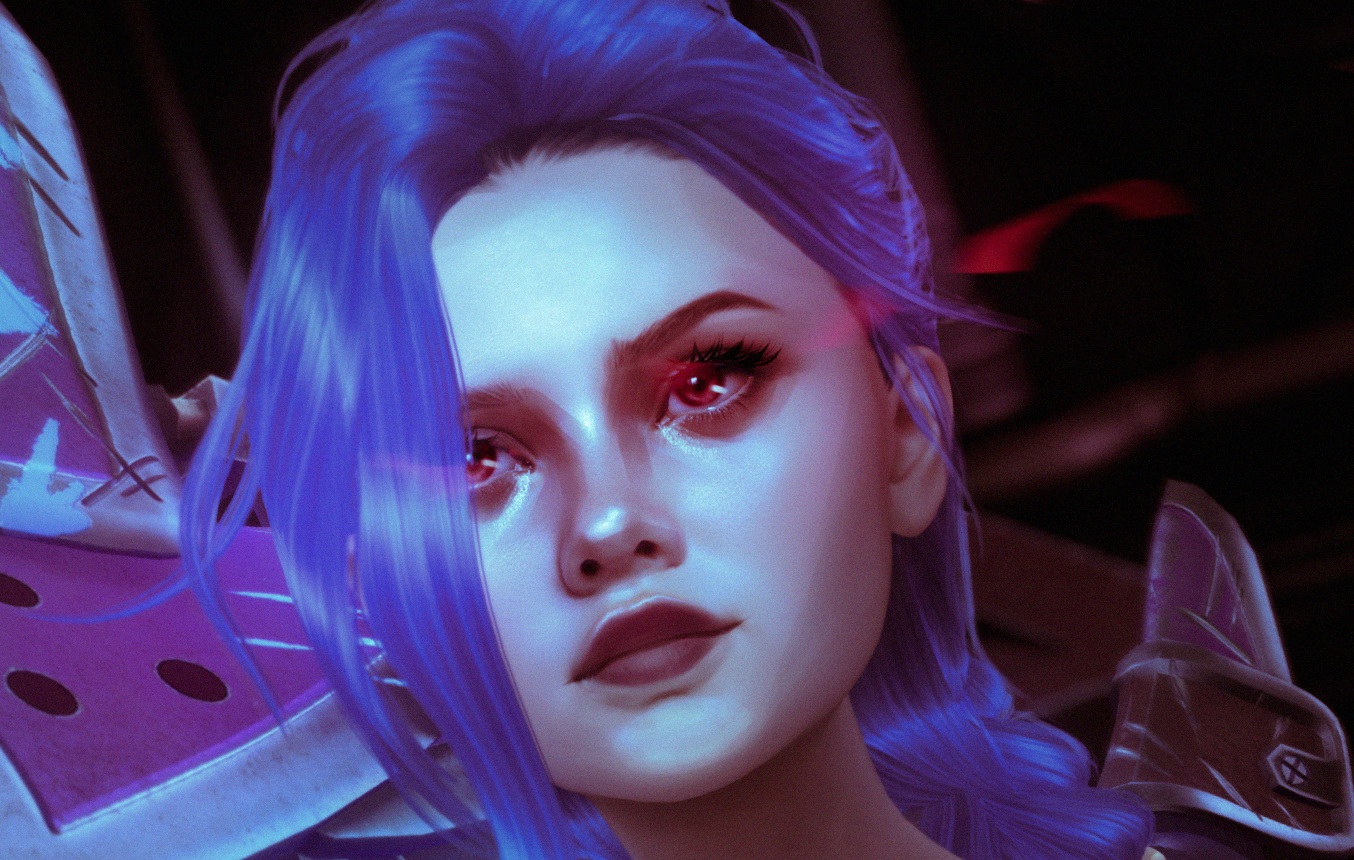
Jinx fan art tutorial using Second Life Photography and Photoshop.
Jinx.
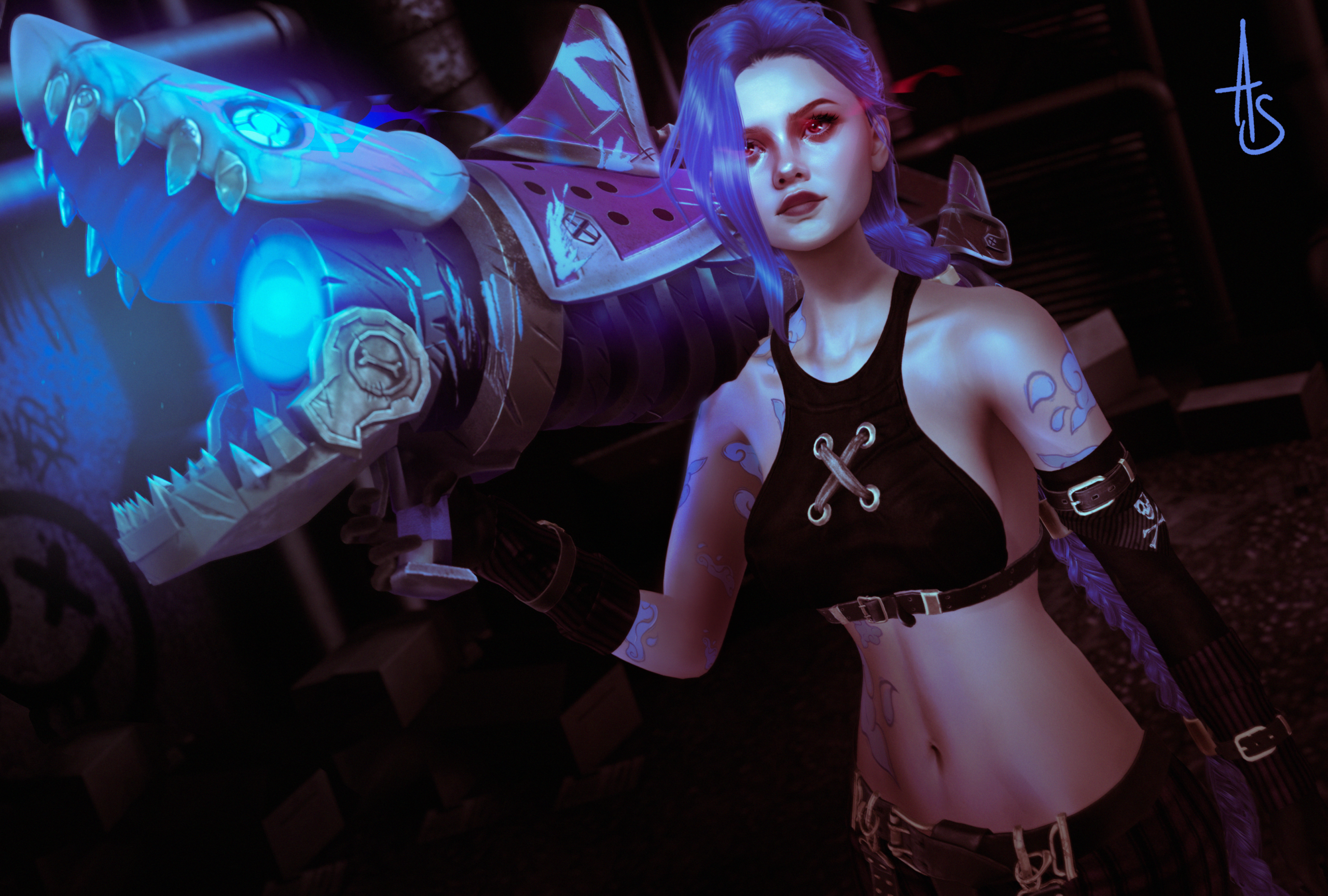
To begin, as usual, I staged my photoshoot in-game. This time, however, I kept lighting to a minimum, as I wanted to edit most of it in Photoshop. The main aim was to make sure any shadows were cast in the correct areas.
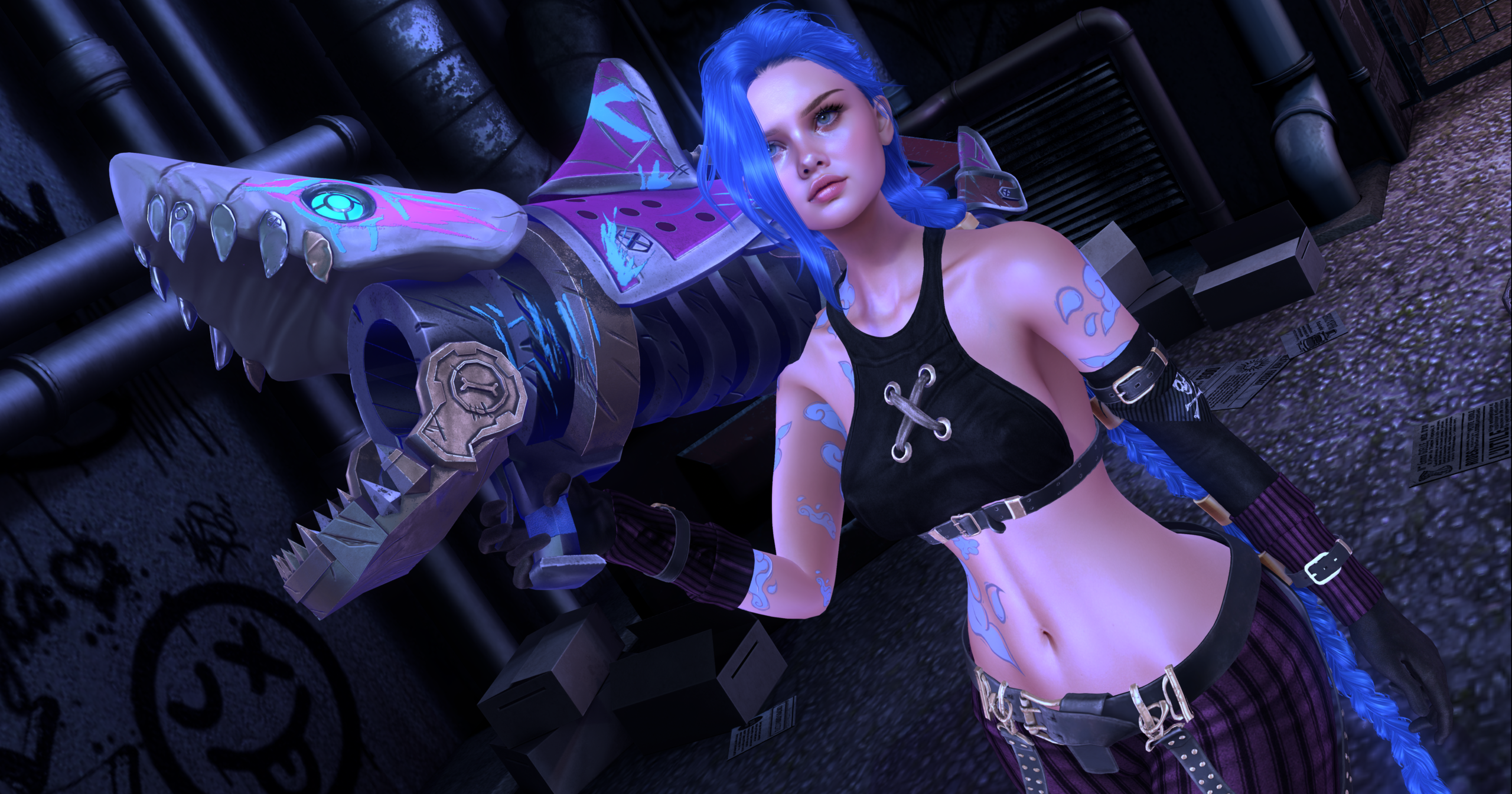
The screenshot was taken at 3000x5000px in png format.
Once in Photoshop, I rotated the image very slightly and cropped the excess areas around the border so the character filled the full image.
I then duplicated the image. With the duplicated image selected, I added a hidden layer mask and set it to multiply. I named this layer “shadow”. I then repeated the process, but this time named the second duplicated layer “highlight”.
Using a soft round brush set to black, I slowly painted on each layer in any areas I wanted deep shadows, or alternatively bright vibrant lighting.
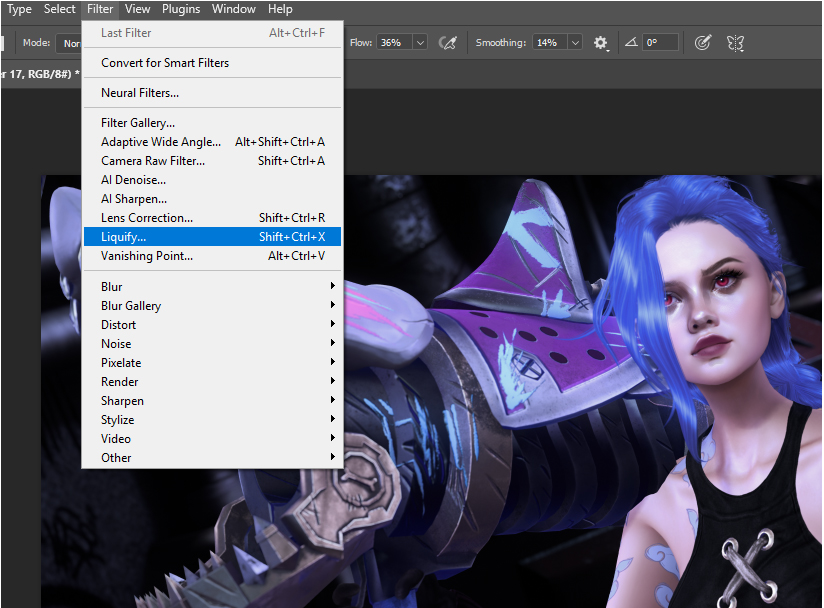
Once happy with the lighting and shadow I used the liquify tool to reduce the size of the character’s hips and waist to a point I felt resembled Jinx’s physique.
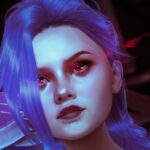
Next, I zoomed in on the face. I wanted to recreate some facial similarities, but also keep some of my own characters too. Using the colour picker I found the skin’s average tone and painted over the bottom lip/chin. With a hard round brush I painted in a bottom lip very similar to that of Jinx’s. I then added some harsh brush strokes around the face and body in a style similar to that of Arcane.
On a new layer set to hard light I continued to use the hard round brush to paint in Jinx’s eyes, as though the Hextech was taking hold. I used the colour wheel to find an appropriate redish-pink shade that would compliment the colour palette already in use and painted the iris and effects around the eyes. Furthermore, I painted in the same effect to the eye of the rocket launcher this time in a vibrant blue shade, and then within the mouth as though it was activated and charging. I finished by using the same blue to add highlights on the body of Jinx where it would naturally bounce off the skin.
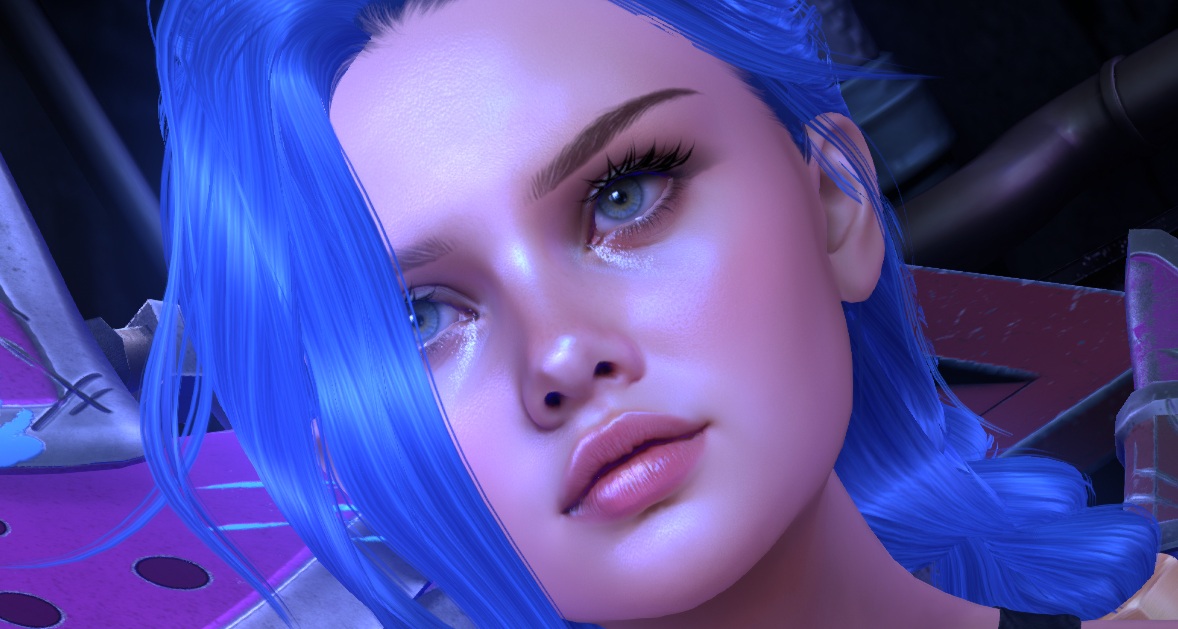
Adding another new layer I set it to “soft light” and painted a very subtle blue glow around the mouth of the shark and surrounding area.
Finally, I took the image into raw camera filter. I decreased the amount of exposure and increased contrast to give more atmosphere. Then using the colour balance settings, I added more red hues to the shadows to compliment the blue highlights. At this point, the image felt very loud with colour, so I added a very subtle amount of saturation. When I was happy with all the adjustments I finished by adding a noise layer.
I then exported the image as a PNG to be uploaded online.
until next time…